 Draw a Tune
Start with one sound
Open Draw a Tune and choose an instrument from Sounds. Piano is a simple place to start: its clear notes make it easy to hear the shape of your drawing. You can choose a different sound for each new line.
Draw from left to right
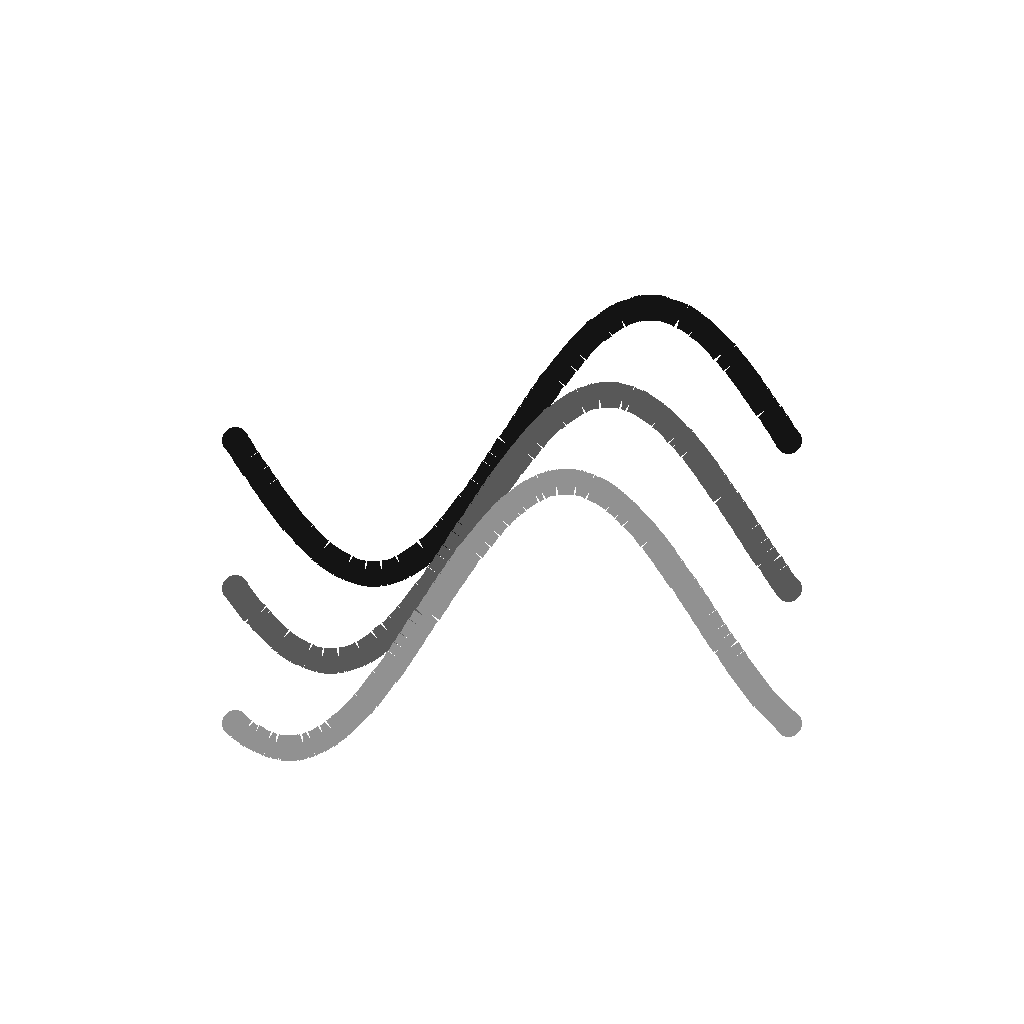
The horizontal position of your line places notes in time. Higher lines make higher notes; lower lines make lower notes. Try a short rising curve, then leave a gap before your next stroke. The empty space gives your melody room to breathe.
Listen, then add a layer
Press Play to hear your drawing repeat as a four-bar loop. Add a low bass line or a few music-box notes while it plays. The instruments follow the same progression, so you can explore without choosing every note by hand. Our instrument guide explains what each sound brings.
Change the mood
Open Tune to adjust the tempo, key and mood. A slower tempo gives the same drawing a different feel. Use Undo when you want to step back, or the Erase tool to make space in a busy sketch.
Keep the idea
Save the sketch when you find a loop you like. You can return to it later or export the music, artwork or editable drawing. You don’t need an account or music theory to get started. For questions about the app, visit the FAQs.